
Logistics

Grow without losing sight of your trips and sites

Your TMS, WMS, telematics and on-board computers each know a piece. We bring them together live, so you see what needs attention while it still matters.

Sound familiar?

More shipments, more sites, more gaps

  • A new site, more shipments, and yet another planner or administrative employee to keep track of everything.
  • The same order is entered in the TMS and in the WMS. The error only surfaces at loading or at invoicing.
  • Your planners no longer sit together in one office. Popping in to ask how things stand is no longer possible.
  • A trailer that is not where it should be, you only notice when it is too late.
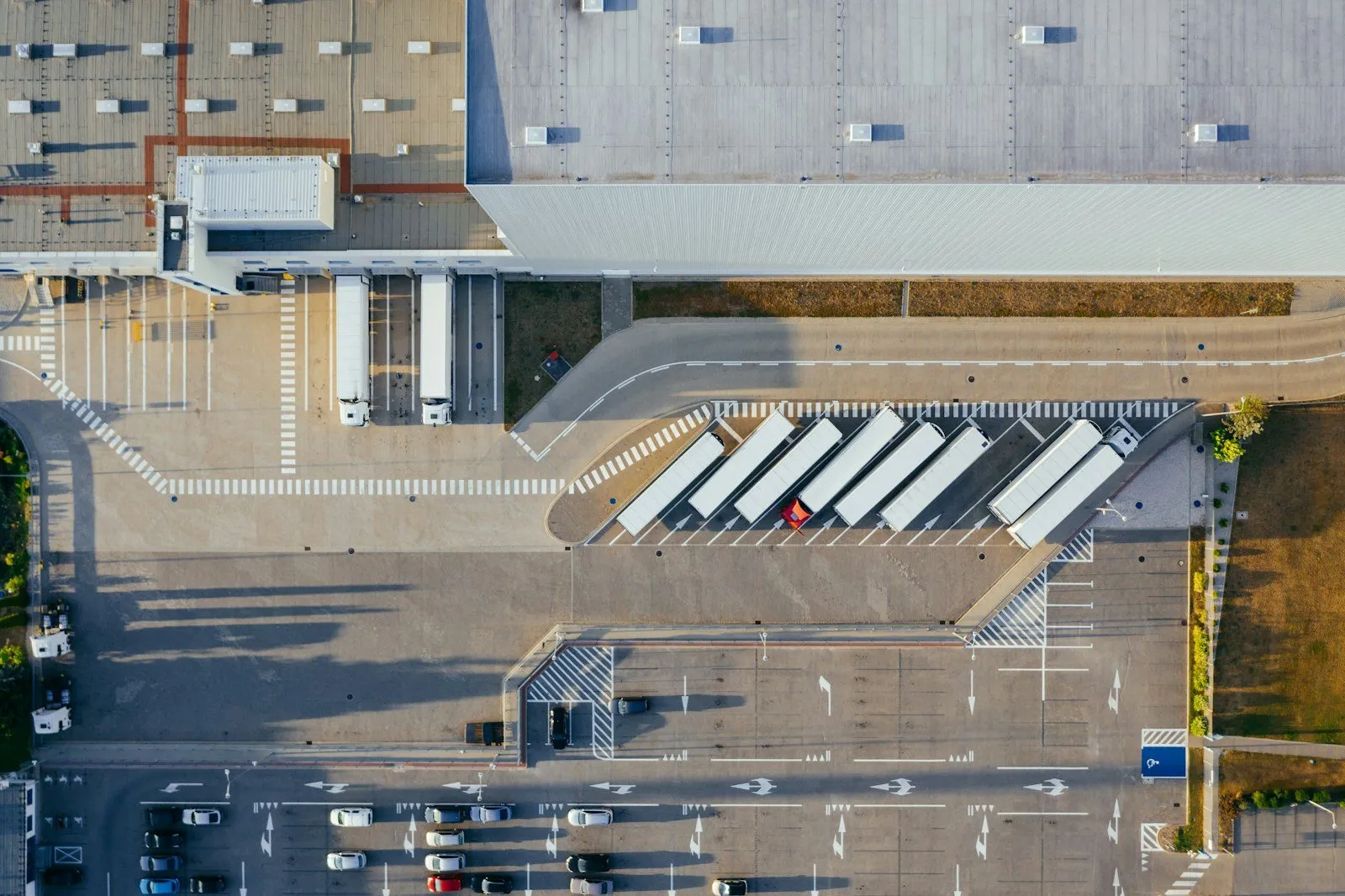
Trailer on the motorway, seen from behind

What you can do with it

Applications in logistics

Every application starts from systems you already have. They are arranged as a growth path: from one queryable view to a notification at the moment it still matters.

  1. Phase 1All your data in one place, queryable with AI
  2. Phase 2Evaluate the past period with KPIs
  3. Phase 3Adjust course while it still matters

One question, all your systems

You ask one question in plain language across TMS, WMS, fleet and telematics together, instead of searching each system separately.

Works with

  • TMS
  • WMS
  • fleet management
  • telematics
  • HR
  • accounting
Situation
If you want to know which trips were delayed last month and where the delay arose, someone has to gather data from three or four systems.
What the hub does
Connectors pull the data from each system. In the hub, every item gets a fixed name and context, so a trip in the TMS and the same trip in the telematics belong together. You ask your question with the AI subscription you already have.
What you gain
One place to ask questions. A quick diagnosis when something goes wrong. Analyses of your processes the moment the question comes up.
Discrepancies between TMS and WMS stand out

Data that is entered twice comes together in the hub, and discrepancies stand out before they affect the planning or the invoice.

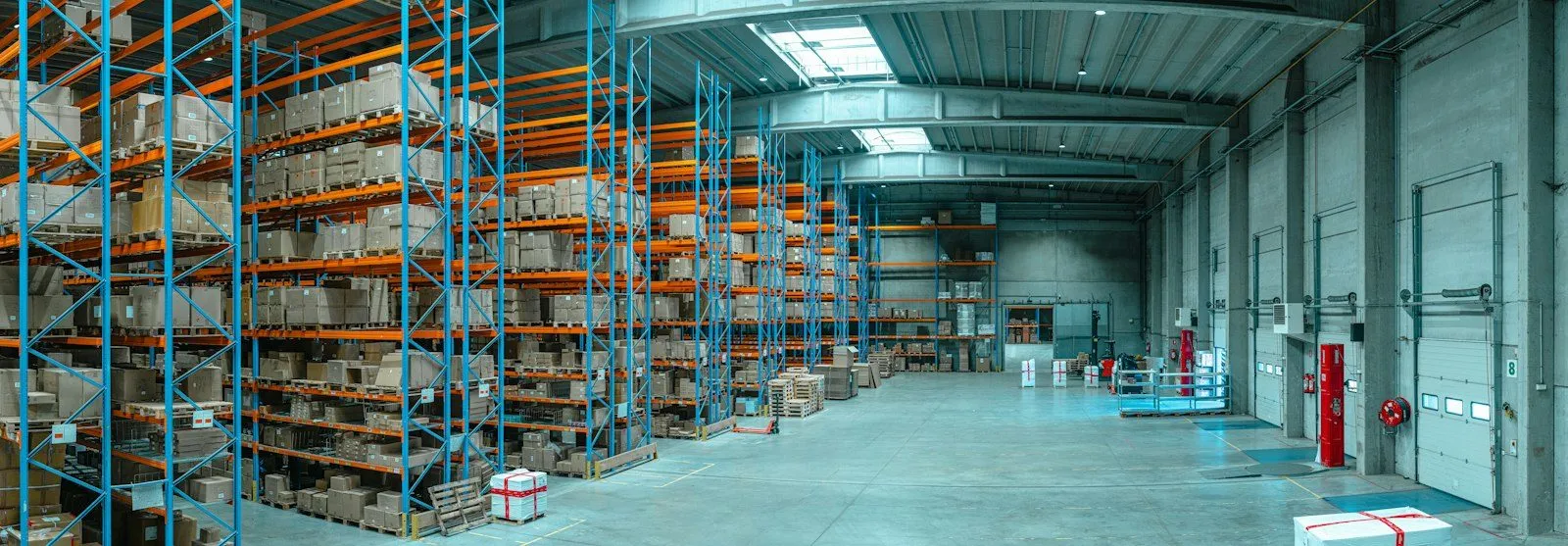
Warehouse with high racking

Works with

  • TMS
  • WMS
Situation
The same order is in the TMS and in the WMS. One typo, and the planning or the invoice is no longer correct.
What the hub does
The hub places the data from both systems side by side and flags the discrepancies to whoever has to correct them.
What you gain
Fewer errors and less rework. Your planners plan on data that is correct.

Driving and rest times alongside the planning

HR data and driving and rest times are in the same view as the transport planning and the on-board computer data.

Trailer on the motorway, seen from behind

Works with

  • HR
  • driving and rest times
  • on-board computers
  • TMS
Situation
The planning is in the TMS, the driving and rest times in another system and the staff data with HR. Whoever plans has to put them side by side themselves.
What the hub does
The hub brings the three sources together, without anyone having to supply the data again. An AI agent flags when the planning and the driving and rest times do not match.
What you gain
HR data becomes usable in operations, without extra input. Your planner sees the complete picture in one place.

The same KPIs for every site

One dashboard with the same key figures for every site, from the systems each site uses.

Diagram phase 2: KPI dashboards sit on top of the data hub, a slow loop to evaluate the past period and adjust course.Insights for youquestions in plain language, with theAI subscription you already haveData hubuser permissionsdata modelConnectorsYour systemsHR, finance, TMS, WMS, planning,PLC, SCADA, telematics …KPIdashboardsslowloop

Works with

  • TMS
  • WMS
  • fleet management
  • Power BI
Situation
Each site reports in its own way. Comparing figures costs time and discussion.
What the hub does
The hub brings the data of all sites together with the same names and definitions. On top of that we build targeted KPI dashboards. If you already use a BI tool such as Power BI, it gets the data from the hub.
What you gain
You evaluate the past period on facts and adjust course for the next. The managing director gets one reliable overall picture.

Dispatch knows immediately

If a trailer is not at the agreed location, dispatch gets a notification immediately.

Works with

  • TMS
  • trailer tracking
Situation
A driver has to leave their trailer in a secure car park. If that does not happen, you only notice when something goes wrong, such as theft of the cargo.
What the hub does
The TMS knows where the trailer should be, the tracking where it is. The hub places both side by side live. If they do not match, dispatch gets a notification immediately. The dispatcher decides what happens, for example asking the driver to take the trailer to the secure car park.
What you gain
You intervene before there is an incident. You prevent a damage claim, instead of having to explain it afterwards to your customer and your insurer.

Temperature deviation in a refrigerated trailer

If the temperature in a zone of a refrigerated trailer stays above the setpoint for too long, the planner gets a notification immediately, with escalation and a report on the trip.

Works with

  • telematics
  • planning
Situation
The temperatures are in a different portal from the planning. A deviation is only seen when someone happens to look, and by then it is often too late.
What the hub does
One rule applies to every refrigerated trailer, including the trailer you add tomorrow: if the temperature in a zone stays above that zone's setpoint for too long, the hub reports the deviation and records it on the trip. Every deviation is on the timeline, with start, end and highest value.
What you gain
The planner gets a notification immediately. If the notification is not confirmed, it escalates. In the event of a complaint or audit the report is ready, and your customer can follow their own shipments if you wish.

Works with what you already have

The systems we bring together

Whatever the brand. You do not have to replace anything.

  • TMS
  • WMS
  • fleet management
  • trailer telematics
  • on-board computers
  • driving and rest times
  • planning
  • HR
  • finance
  • and the other systems you use
Operational data hub

Other sectors

In other sectors too

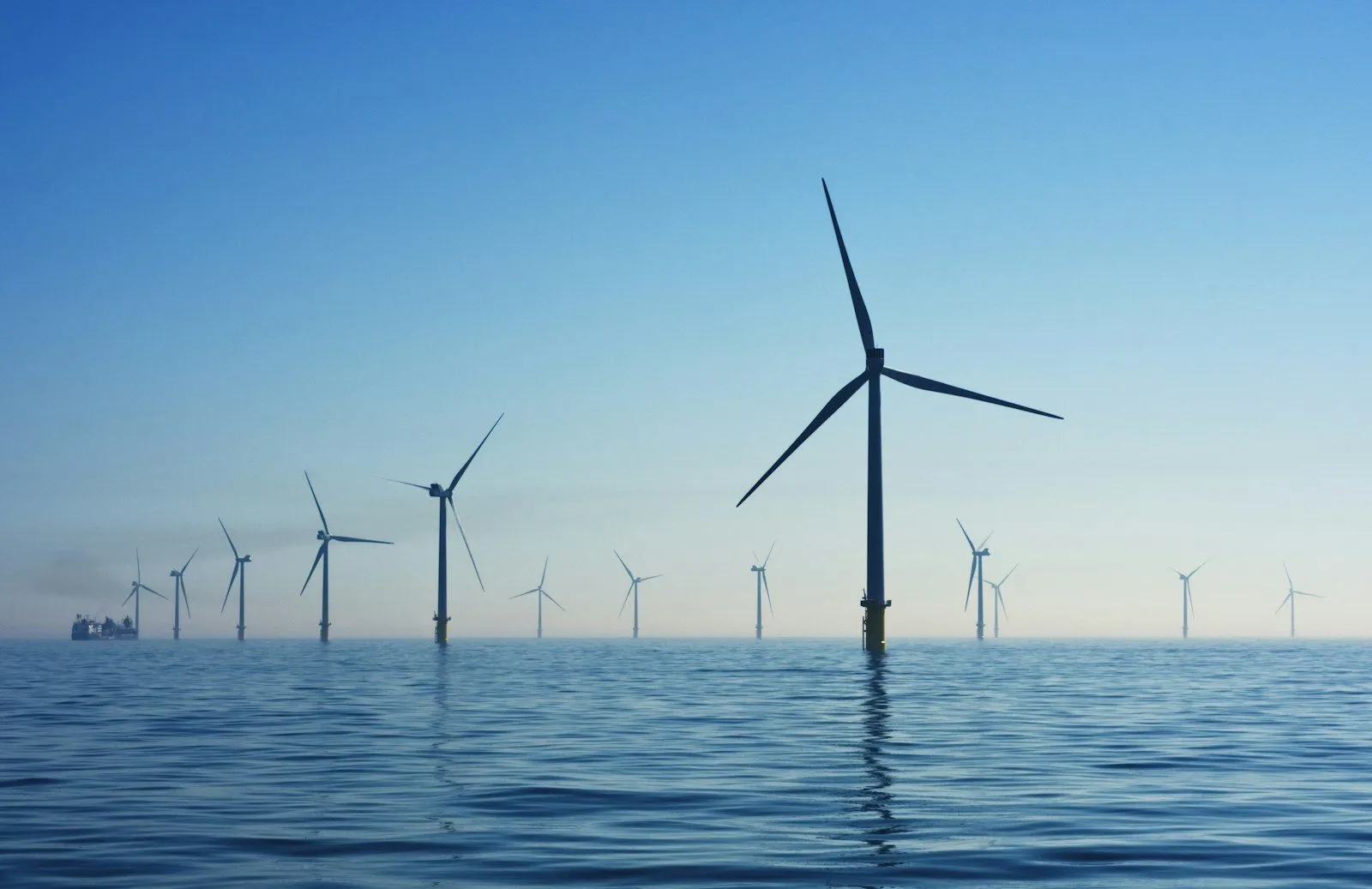
Offshore wind turbines

Energy

One view across all your installations, instead of ten logins.

View energy
Interior of a heavy industrial hall

Industry

Rules of thumb out of people's heads, live with whoever needs them.

View industry

Next step

Shall we work out your first application together?

A worked-out Proof of Value lets you make a well-founded decision.

Book an exploratory call (opens in a new tab)

Prefer to call or email right away? Pieter Langsweirdt · +32 498 516 440 · pieter@captainsoflogic.com